


Features

Everything you need to finish a film

A crew that plans, helpers that check every take, a way to fix a take without losing it, and every clip ready for your own editor.

7 tools

Make

From a script to takes, with a crew that plans and a price you see first.

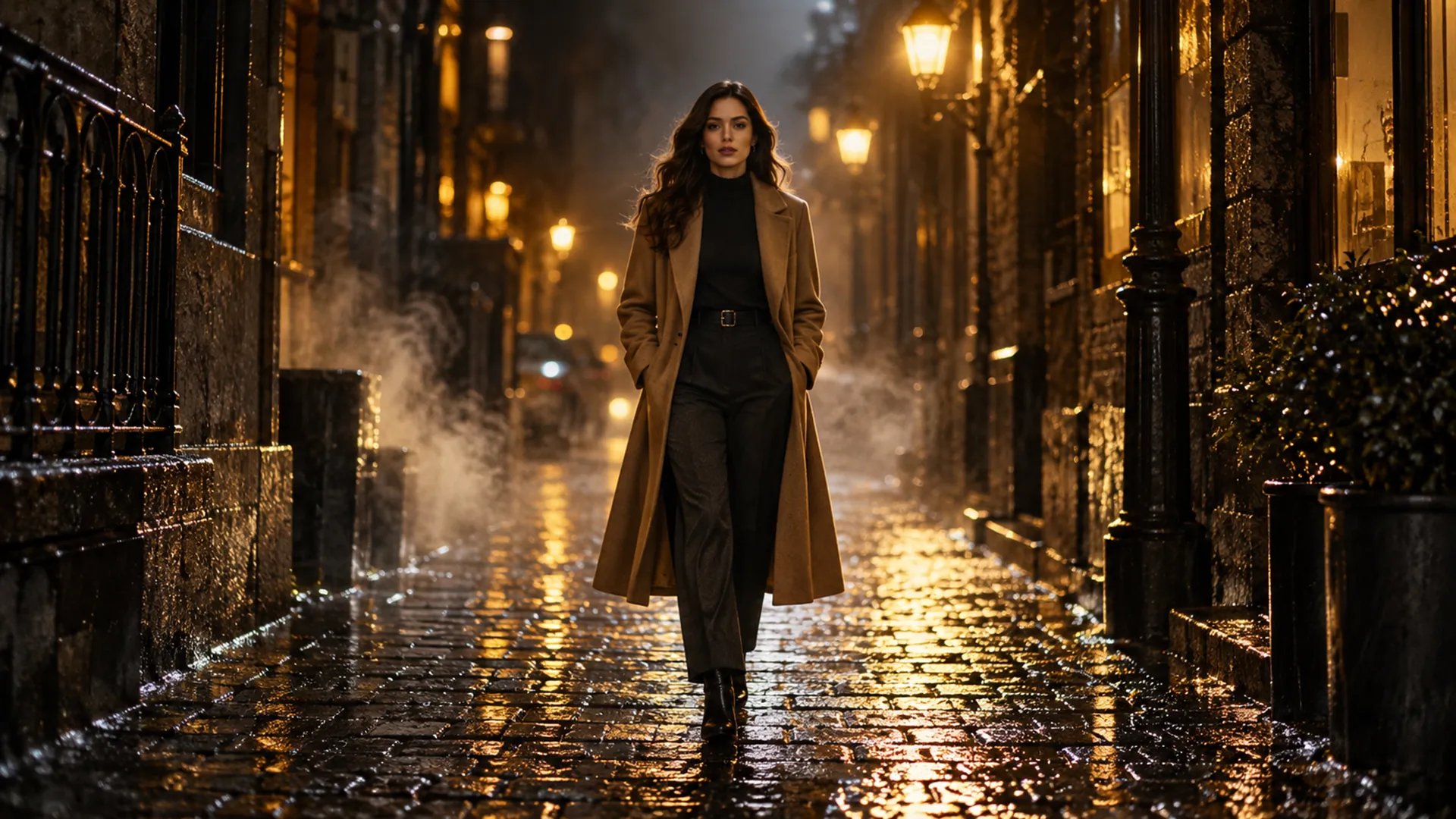
After: the same shot as a finished film frame, a woman in a camel coat walking down a rain-soaked golden-lit alley.
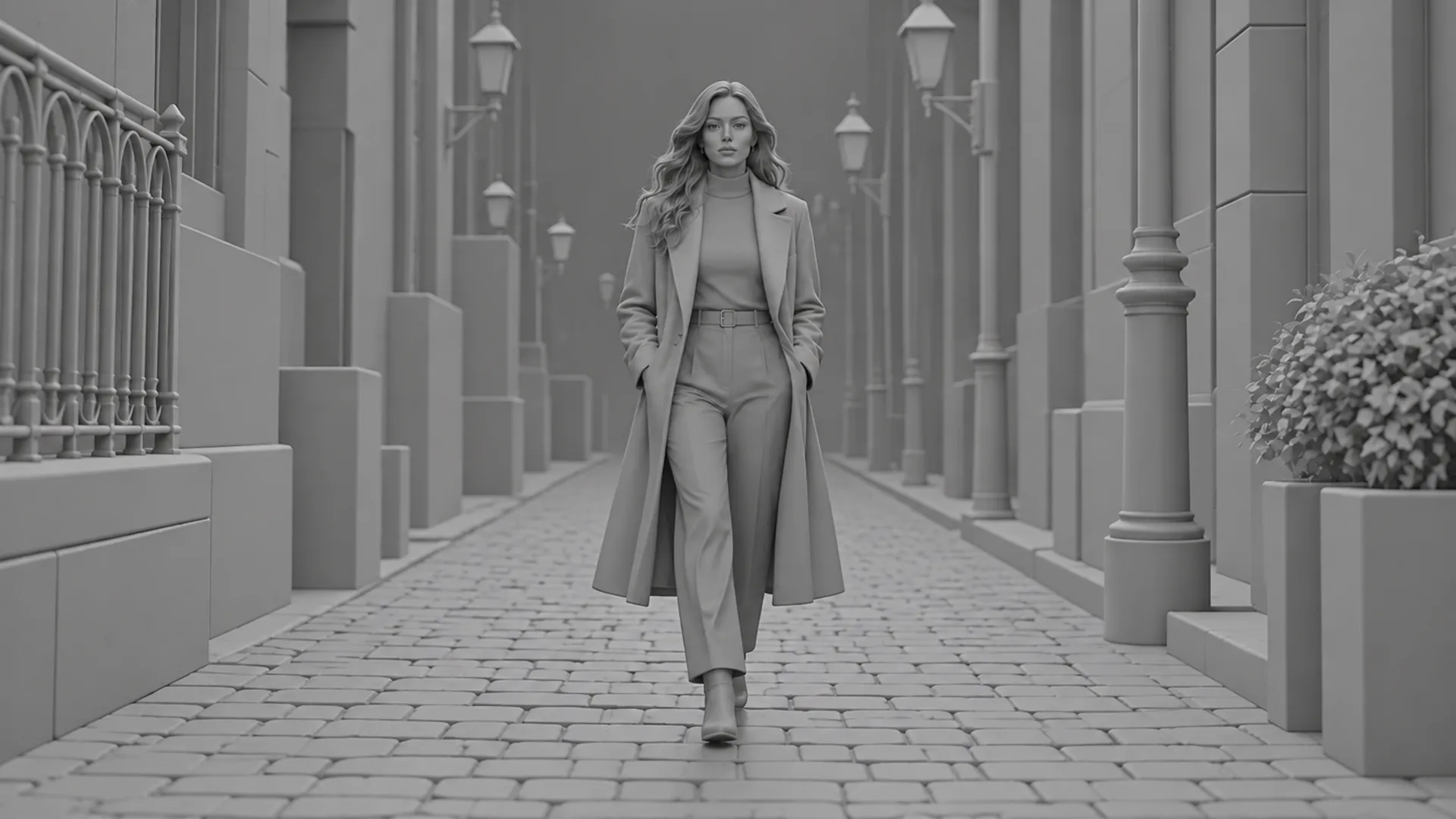
Before: a rough gray previsualization of a woman walking down a city alley.

Reshoot

Keep the performance. Change everything else.

What it does
Pick one of your takes, or upload a clip of your own (4 to 30 seconds). Reshoot keeps its movement, camera and timing beat for beat and rebuilds the characters, set and props from your Cast & sets photos. Or swap just one thing, like a jacket, a car or a whole kitchen, and keep everything else exactly as shot.
Why it matters
The hardest part of a shot is the movement. When a take moves right but looks wrong, you fix the look without losing the performance. The result lands as a new take, so the original is never lost.
Where to find it
Any project, Reshoot tab. The ready check is free; Run spends once.
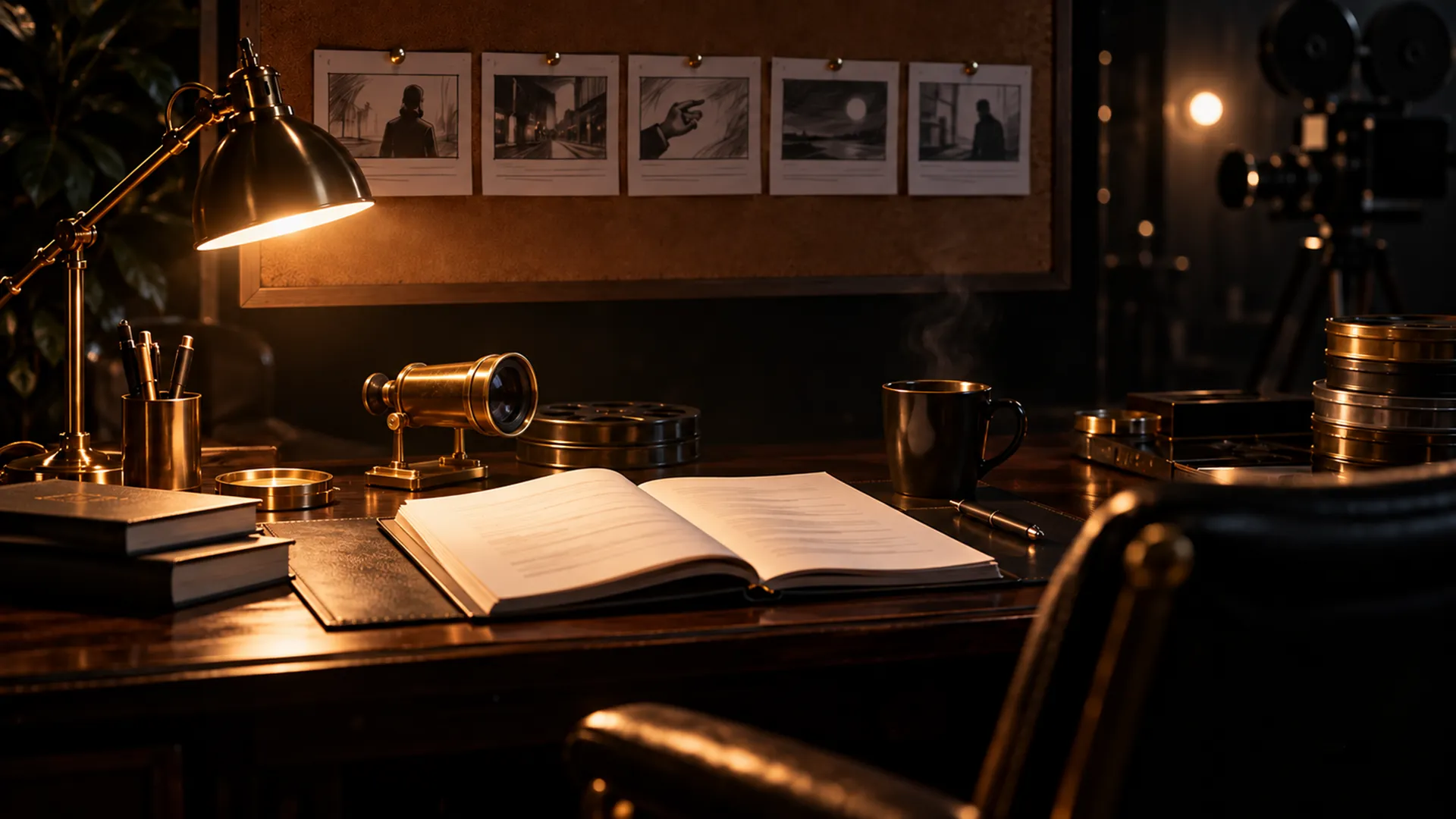
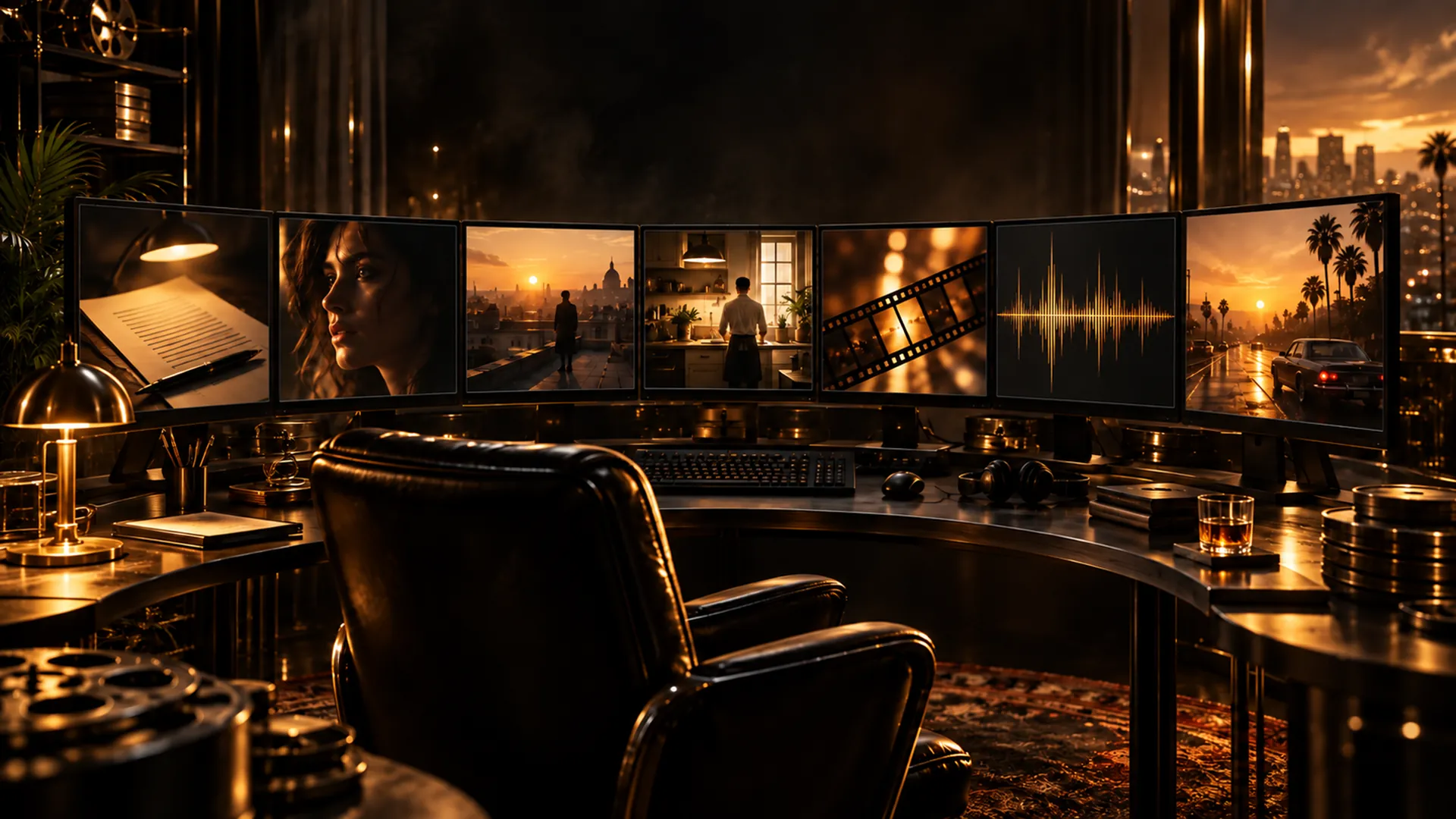
A director's desk at night with a screenplay under a brass lamp and storyboard cards pinned above.The Director

The Director

A director who asks the right questions first

What it does
The Director reads your script and your cast & sets, asks the few questions that change the plan, then writes the concept, the beats, the scenes and a shot list, with the instructions for each shot written for the model that will make it.
Why it matters
You get a plan a crew could shoot from, without learning how each video model likes to be spoken to. It never makes a take or spends anything.
Where to find it
Any project, Director tab.
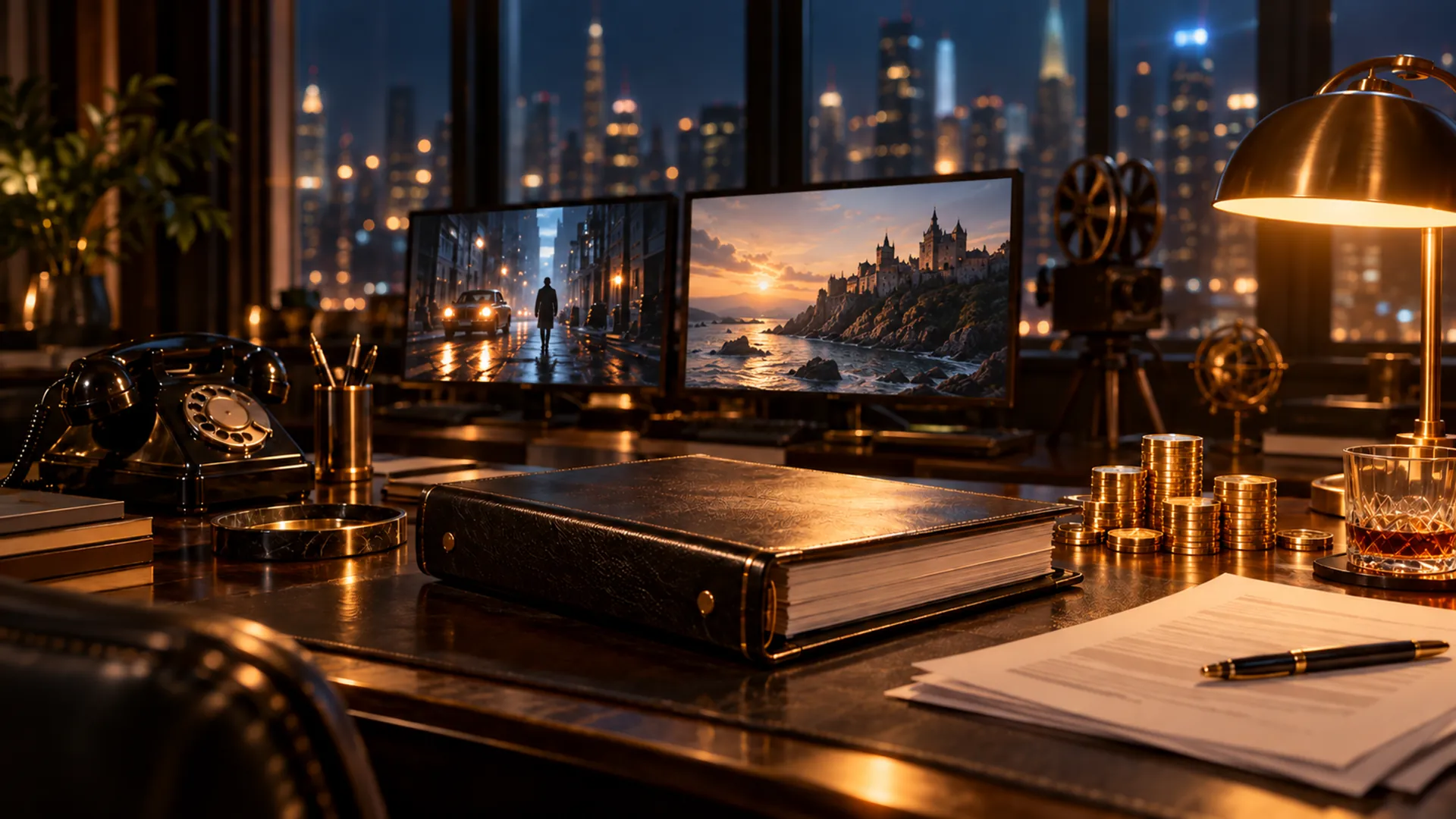
A producer's desk at night with a binder, gold coins and glowing monitors against a city window.The Producer

The Producer

Ask your project anything

What it does
Every project has a chat with the Producer. It knows what is ready and what is missing, what the next take will cost, why a take was flagged, and what changed since you were last here. When it suggests something, it gives you a link to the right button.
Why it matters
No hunting through pages to work out what to do next. It advises; you press the button, so nothing is spent behind your back.
Where to find it
Any project, Producer tab.
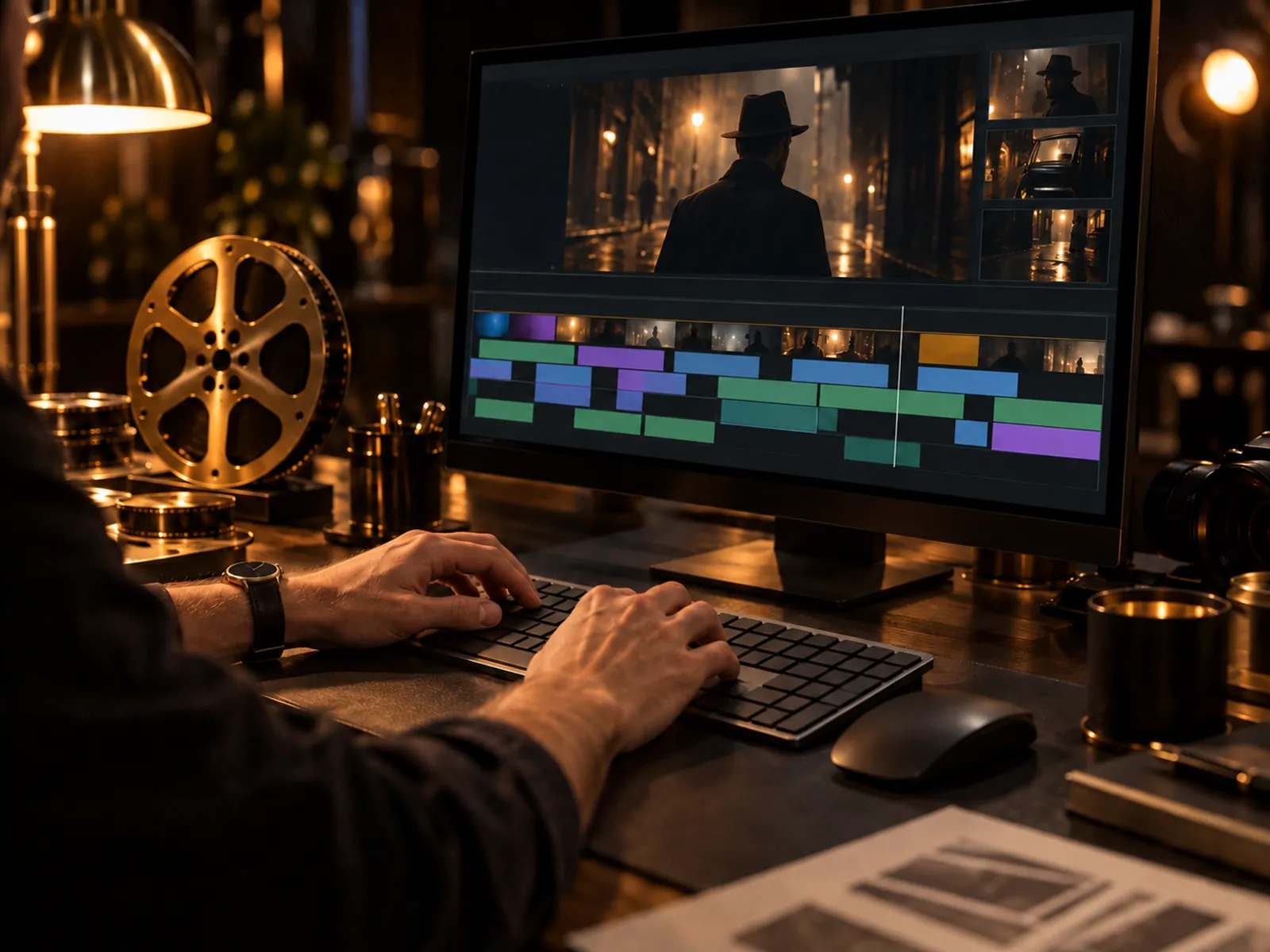
An editor's hands at a keyboard in front of a film timeline.

Shot-to-shot handoff

Every shot picks up where the last one ended

What it does
Each shot is made in one go, up to 30 seconds. When you approve a take, its last frame is handed to the next shot as a reference, so faces, light and the room carry across the cut.
Why it matters
AI clips made one by one tend to drift apart. The handoff keeps your film feeling like one film instead of a pile of clips.
Where to find it
Automatic on every shot. The Ready check says when the previous shot's last frame is going in.
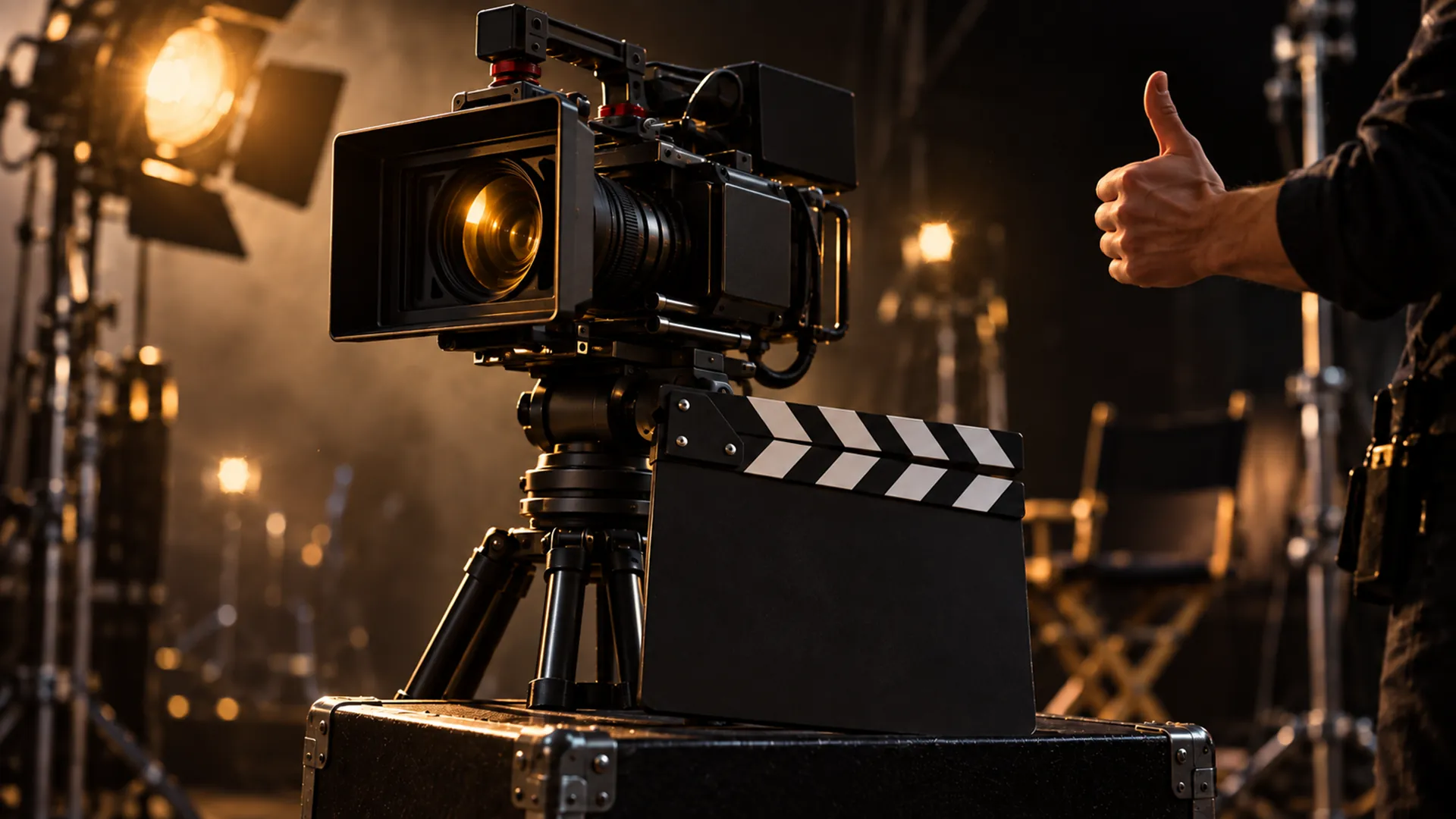
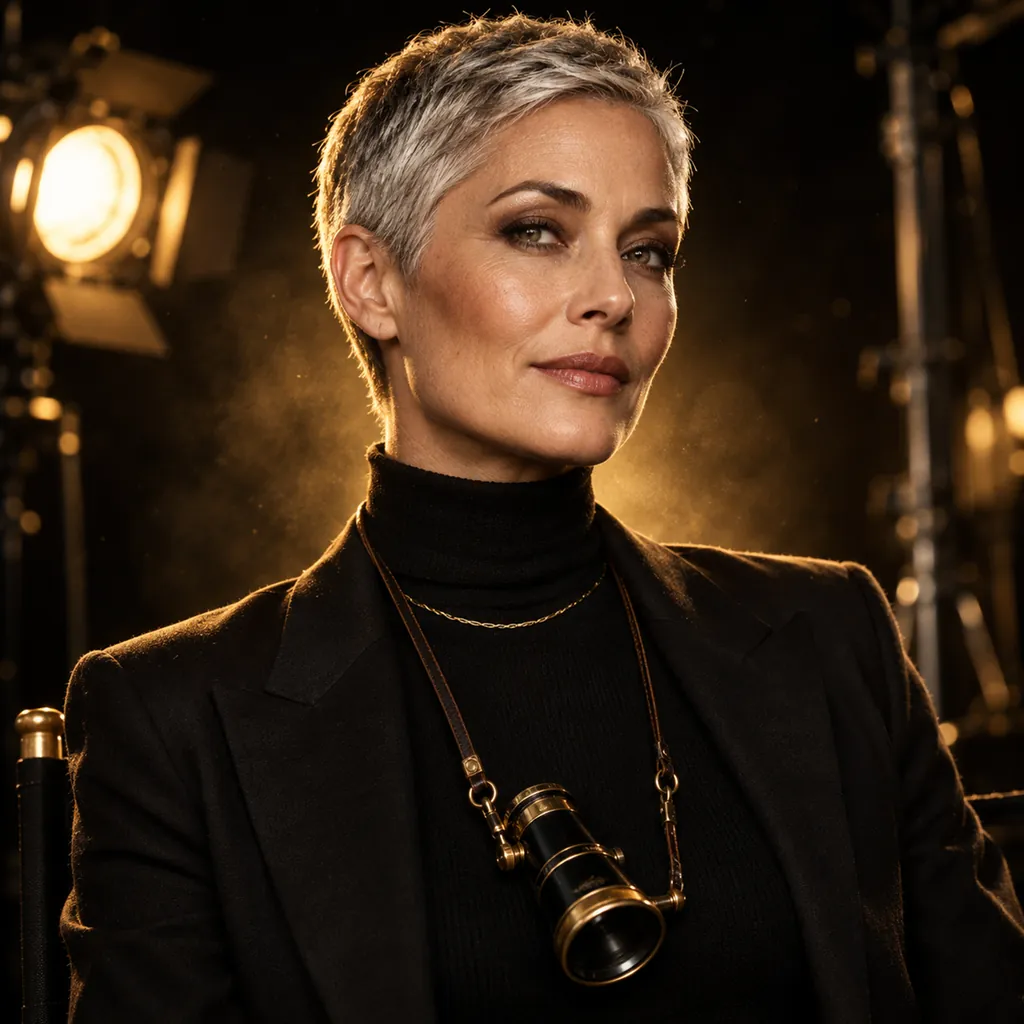
A cinema camera and clapperboard on a dark set with a hand giving a thumbs-up.

Ready check

See the price before you press the button

What it does
Before a take is made, the Ready check shows which model will be used, which photos go with it, how long it runs and what it costs. Nothing is spent until you press Run.
Why it matters
No surprise bills and no wasted runs: problems like a missing photo are caught while they are still free to fix.
Where to find it
Every shot page, above the Run button.
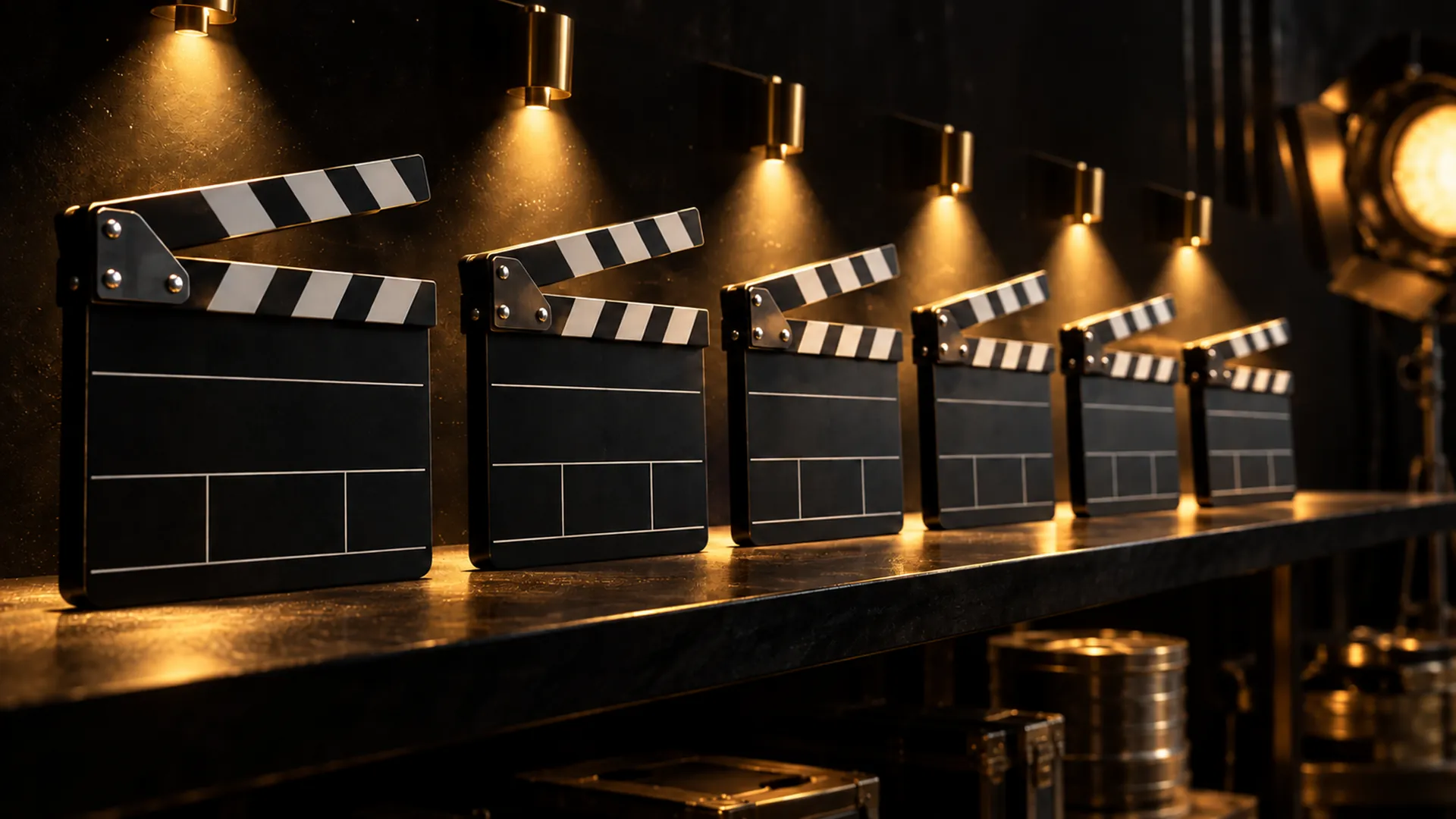
A row of six clapperboards on a dark shelf, each under its own golden spotlight.

Make several shots

Queue a whole scene with one press

What it does
Make several shots lists the next shots with no take yet, each with its own Ready check and price. Check the ones you want and start them together.
Why it matters
Keep momentum on a long film without opening every shot one by one, and still see the total before it is spent.
Where to find it
Any project, Shots tab, Make several shots.
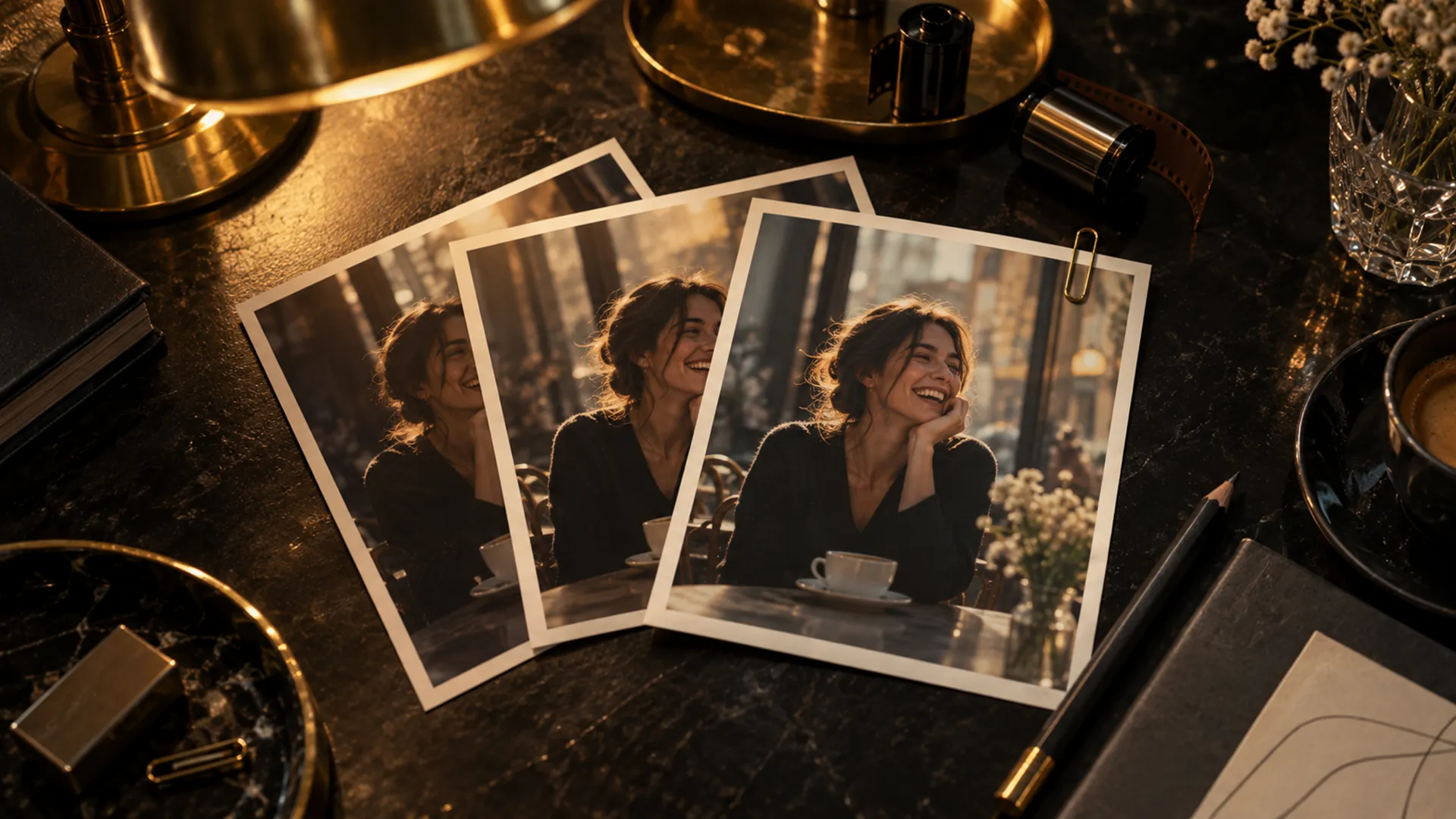
Three film frames of the same café shot fanned out on a dark desk under a golden lamp.

Compare models

Audition the models on your own shot

What it does
Pick a shot from your film and run it through several video models side by side. Your pick becomes the project's model for that kind of shot.
Why it matters
Every model is good at different things. You choose with your own footage in front of you, not from a spec sheet.
Where to find it
Any project, Shots tab, Compare models. It is priced before it runs.

5 tools

Check

Helpers that watch, listen and compare, so you catch problems before your audience does.

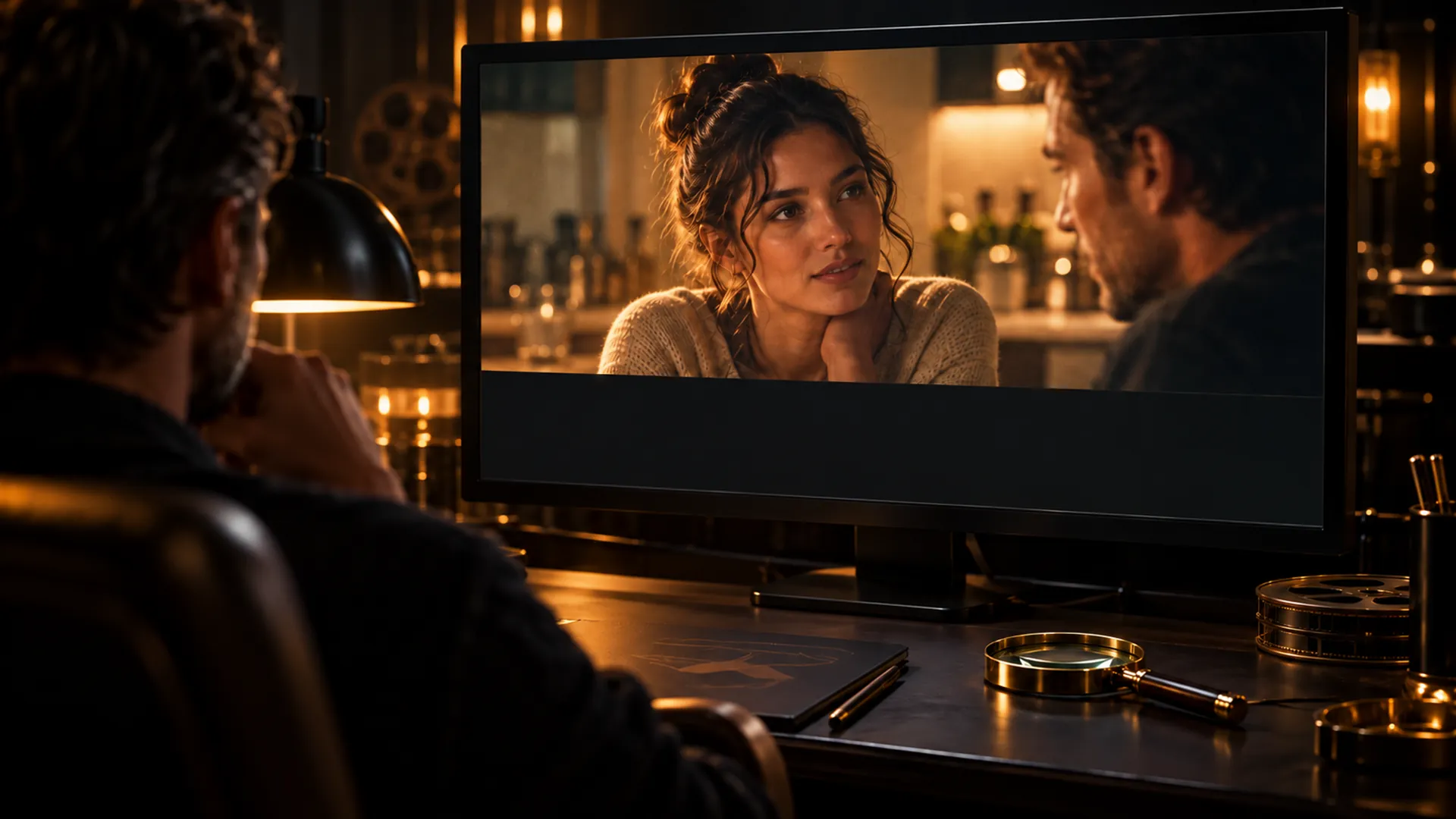
A monitor in a dark screening room playing a kitchen scene, with a gold loupe resting in front of it.Watch & check

Watch & check

An extra pair of eyes on every take

What it does
Watch & check views the whole take with its sound and lists what looks or sounds wrong: a face that morphs mid-line, a hand that pops, mouths that don't match the words, a voice that drops out. Each note names the second it happens; click the time and the player jumps there.
Why it matters
You find the flaw before your audience does, and you go straight to it instead of scrubbing. It only points things out; you decide.
Where to find it
Any video take on a shot page, Watch & check.
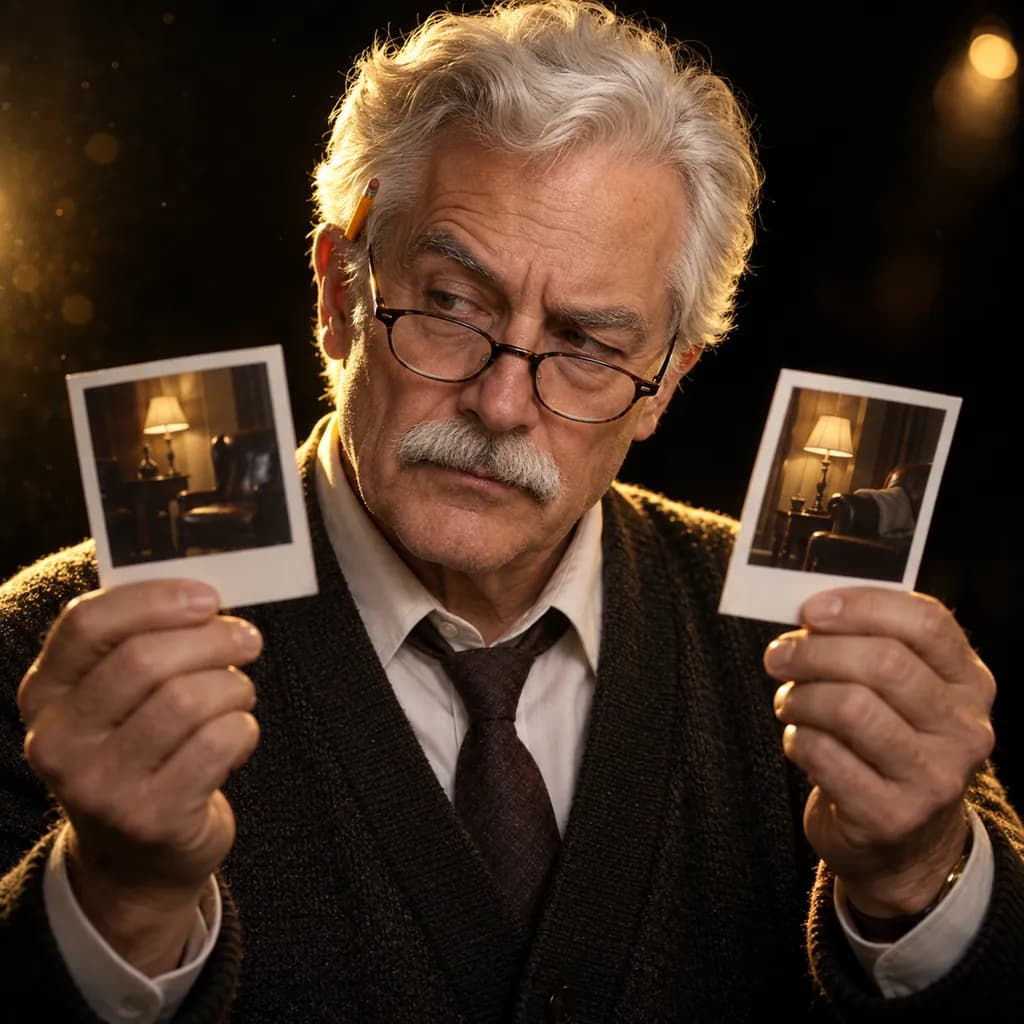
Portrait of the Continuity check: a white-haired man in reading glasses comparing two photographs.

Continuity check

Hair, clothes and light that stay put

What it does
The Continuity check holds a take up against your cast & sets photos and the shot that cuts into it, and lists what doesn't match: a jacket that changed color, a window that moved, a character now facing the other way.
Why it matters
Continuity slips are what make a film feel homemade. This is the script supervisor you'd hire on a real set.
Where to find it
Any take on a shot page, Continuity check.
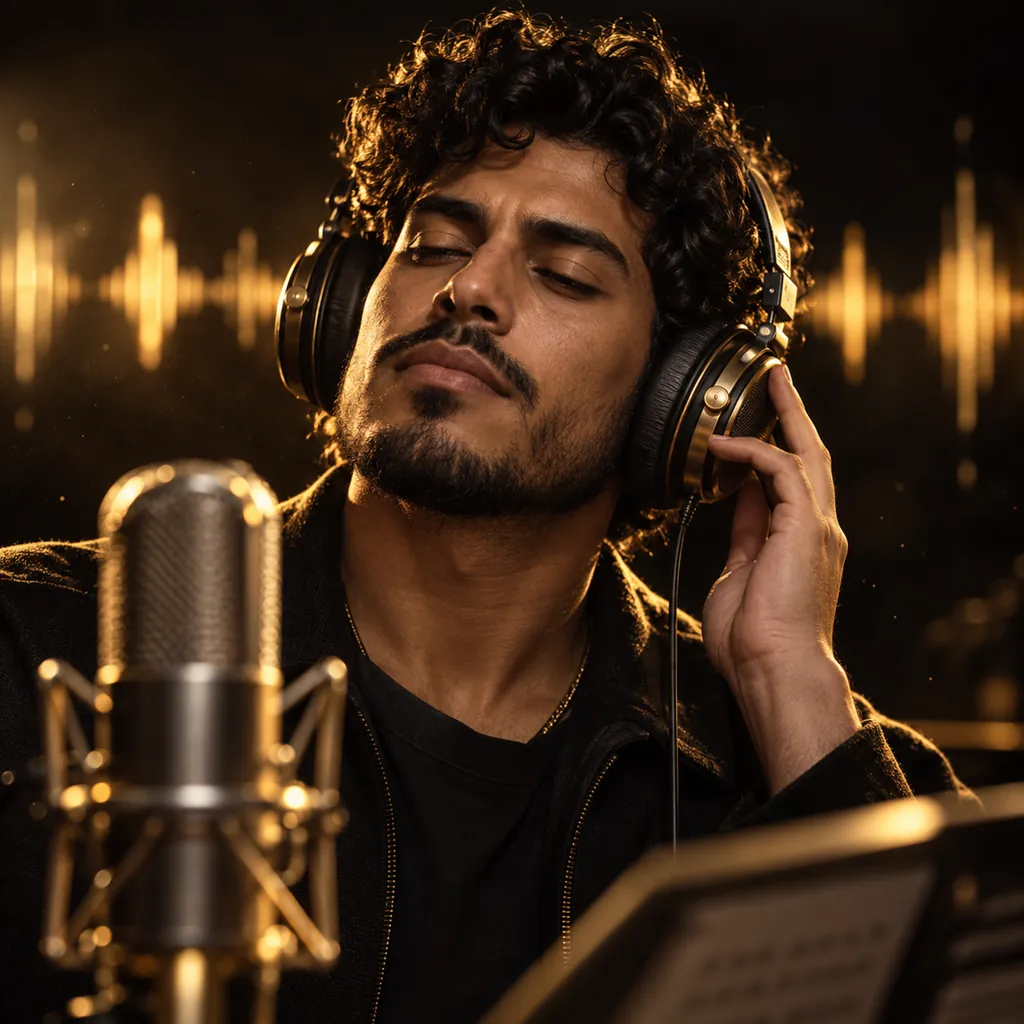
Portrait of the Dialogue check: a curly-haired man in brass-accented studio headphones listening closely.

Dialogue check

Every line said, in the right language

What it does
The Dialogue check listens to a take, writes down what was said, and checks it against your script: whether each line was spoken in full, partly or not at all, and whether it came out in your film's language.
Why it matters
Video models sometimes drop a line or switch language. You find out in seconds, not after the premiere.
Where to find it
Any video take on a shot page, Dialogue check.
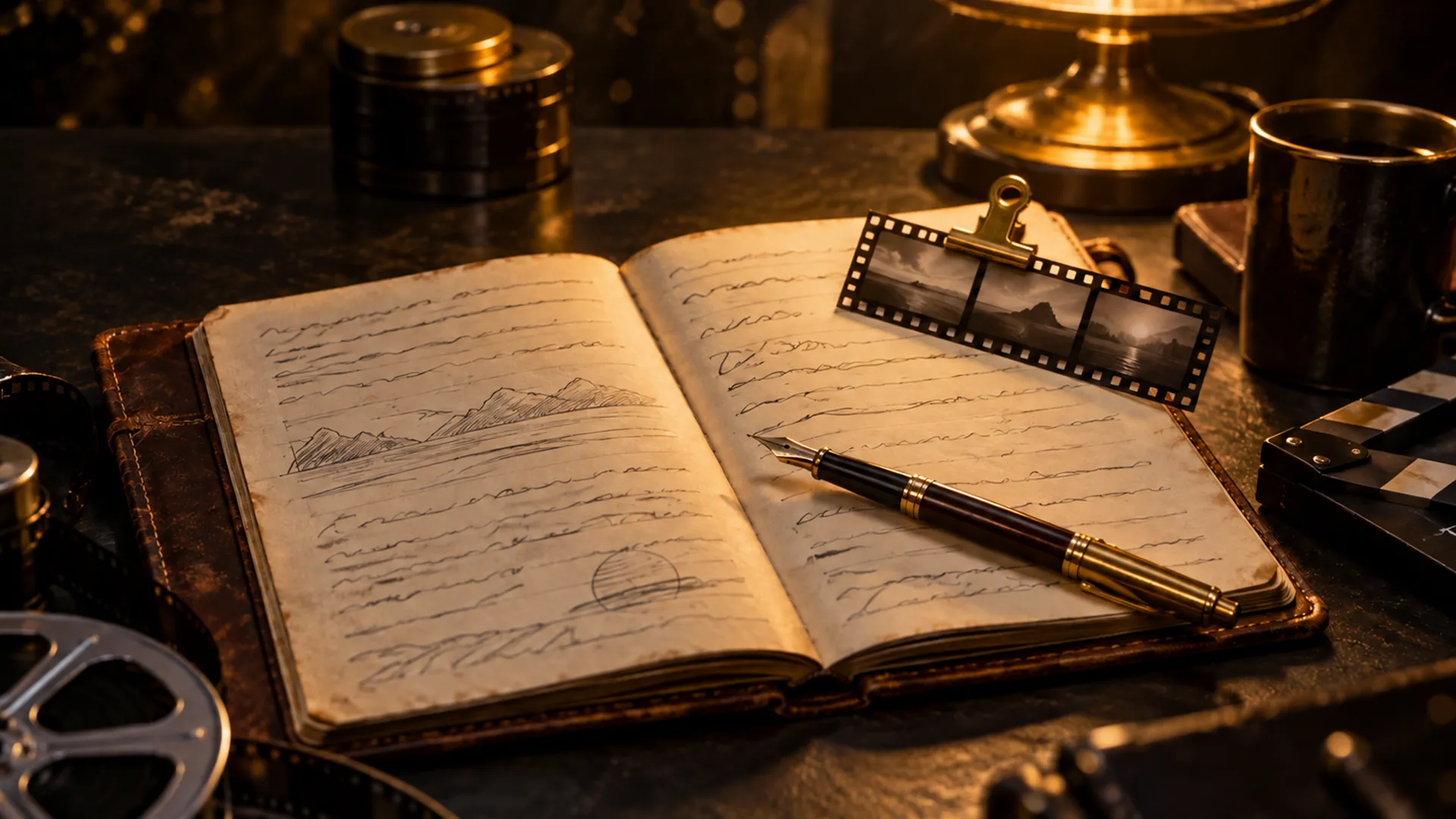
An open leather notebook with a brass pen and a strip of film frames under golden light.Lessons

Lessons

A crew that learns from its mistakes

What it does
When a check finds a repeated mistake, like a word the model keeps mispronouncing or a line that keeps going missing, it becomes a lesson. Lessons are added to later shots' instructions, and you can add your own or retire one.
Why it matters
The same mistake is less likely to cost you twice. The longer you work, the better the crew knows your film.
Where to find it
Any project, Settings tab, Lessons.
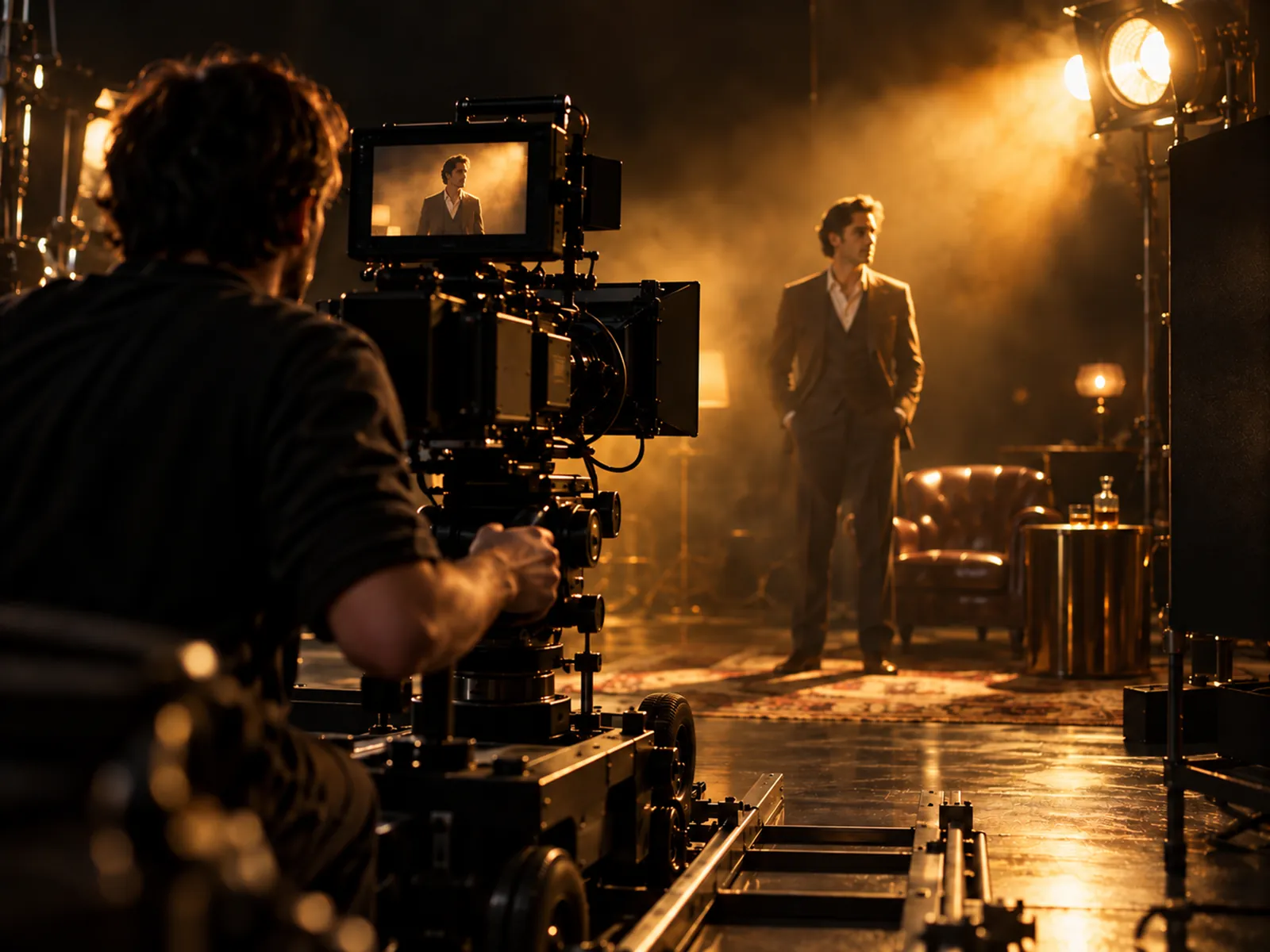
A cinema camera filming an actor on a dark, golden-lit set.

Review with undo

Decide fast. Change your mind.

What it does
Review plays new takes one at a time with their lines and checks beside them. Approve with A, reject with Shift + R, skip with S, and undo any decision for a few seconds. Every take is kept and numbered, so trying again never throws one away.
Why it matters
Reviewing is most of filmmaking. It should be quick, and a slip of the finger should never cost you a take.
Where to find it
Any project, Review tab.

3 tools

Finish & share

Every clip in film order, the recipe behind every shot, and a page of your own.

A glowing strip of film frames curving out of darkness into a polished brass film reel.

Downloads

Take every clip into your own editor

What it does
The Downloads tab lists your film's approved clips in order, the other takes, and the music, sound effects and voices, by section. Check the sections you want and save them all to one folder in one go (Chrome and Edge), or one file after another in any browser. Nothing here makes or spends anything.
Why it matters
Finishing a film takes an editing program you already know. Everything you made here arrives named and in film order, ready for Premiere, DaVinci Resolve or Final Cut.
Where to find it
Any project, Downloads tab.
A dark gallery wall of six framed film stills, each lit by a golden picture light.

Showcase

Every shot comes with its recipe

What it does
The Showcase gathers your finished films and approved shots. Open any shot to see how it was made: the model, the instructions and the reference photos the take actually used.
Why it matters
When a shot works, you can see why and do it again.
Where to find it
Showcase, in the studio's side menu.

Public profile

A page for your films at /@you

What it does
Pick a handle and switch on your public profile to get a page at /@yourname with your bio and your links. It stays hidden until you switch it on.
Why it matters
One address to put in your bio, your email signature or your pitch deck.
Where to find it
Account, Profile.

4 tools

Learn

Plain guides, real camera-move clips and starting points for your first films.

A figure in a long coat on a rooftop at golden hour, looking over a hazy skyline.

Camera moves

Direct the camera without the jargon

What it does
A library of sixteen camera moves, from a slow push in to an orbit or a drone rise, each shown as a short clip of the same rooftop scene with the exact words to use. Pick one from the Camera chip on any shot.
Why it matters
You see what a move looks like before you spend a take on it.
Where to find it
Learn, Camera moves; or the Camera chip on a shot.
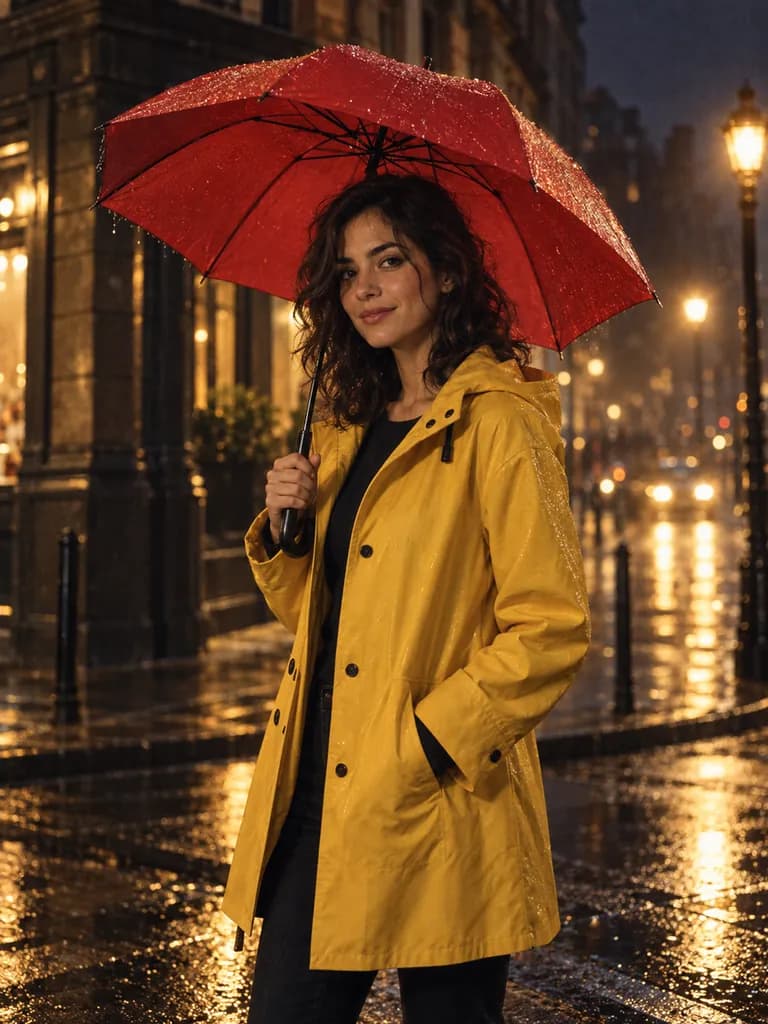
Look: live-action cinematic.
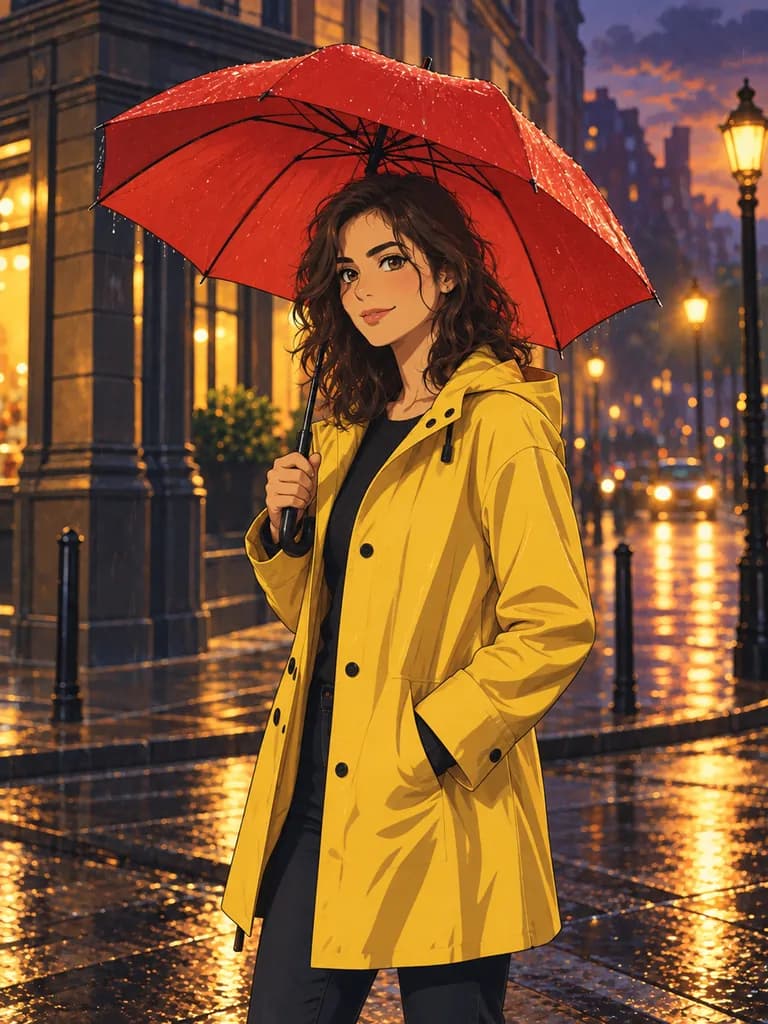
Look: 2D anime.
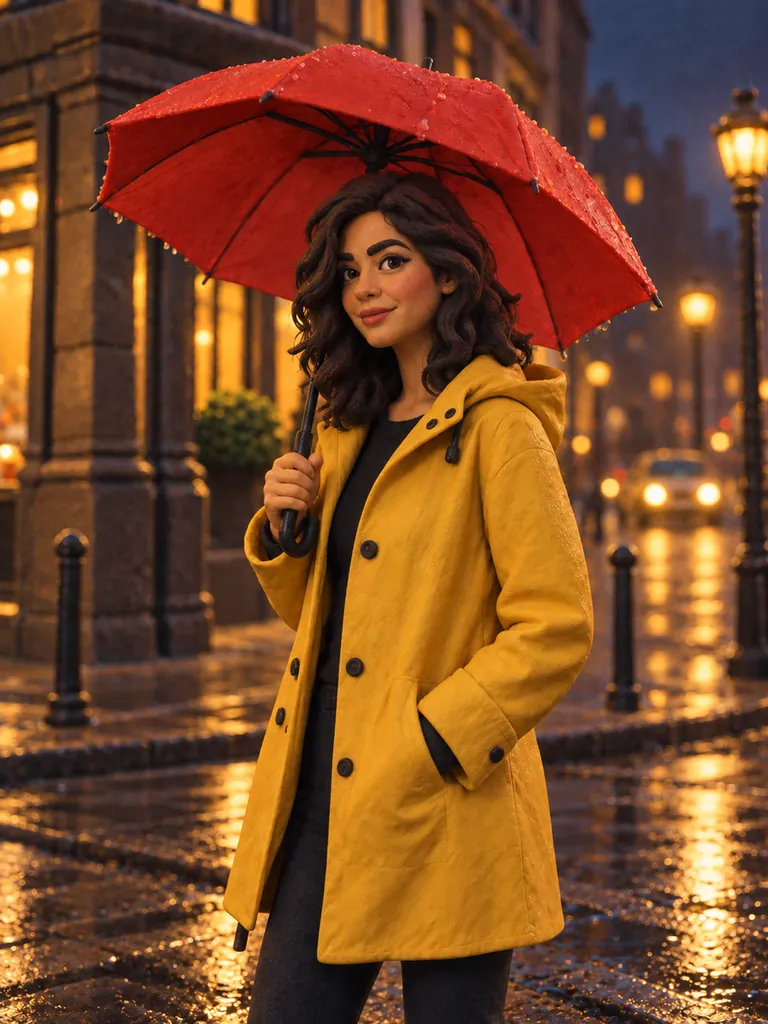
Look: claymation.
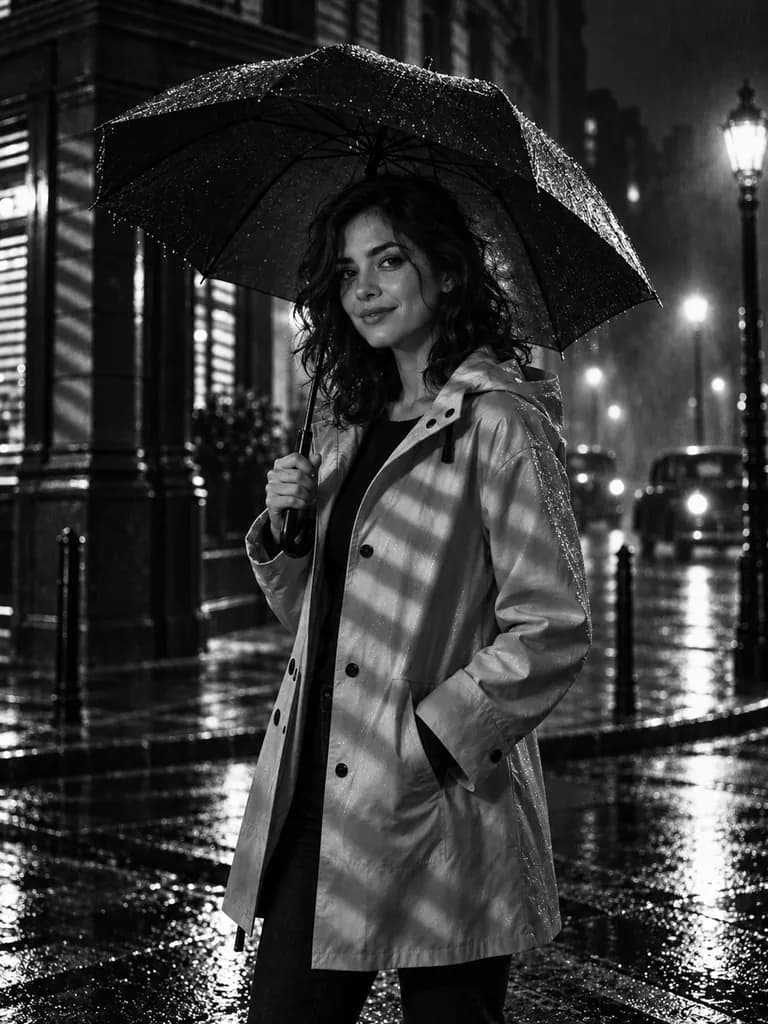
Look: noir black and white.
Look: neon cyberpunk.
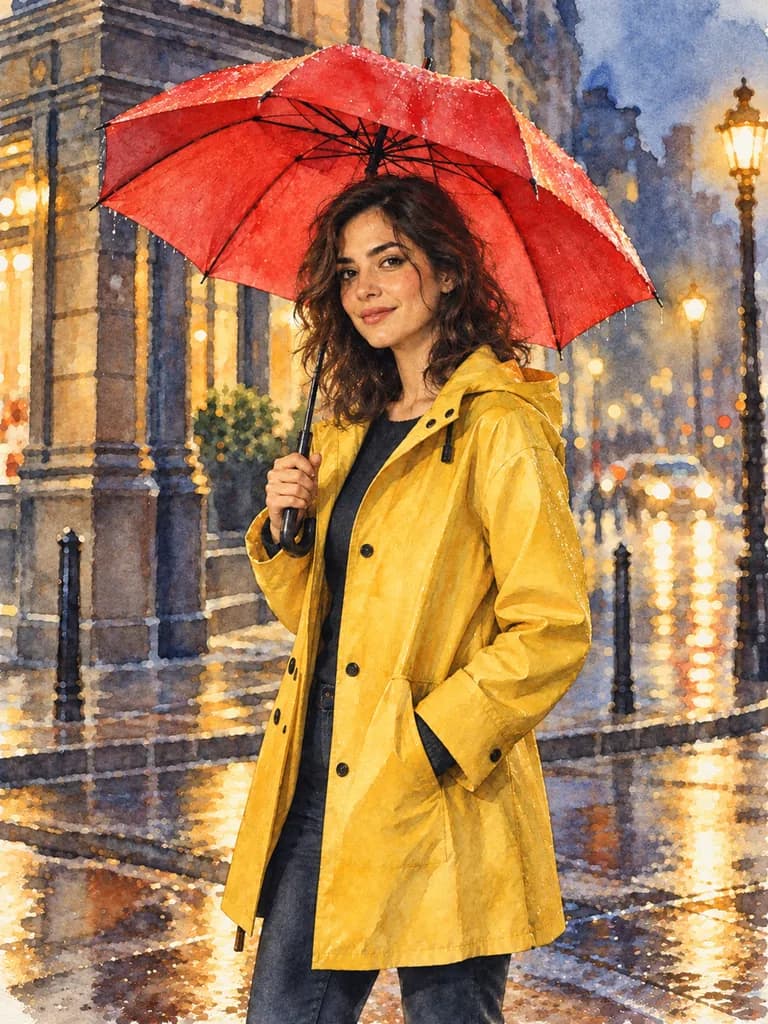
Look: watercolor storybook.
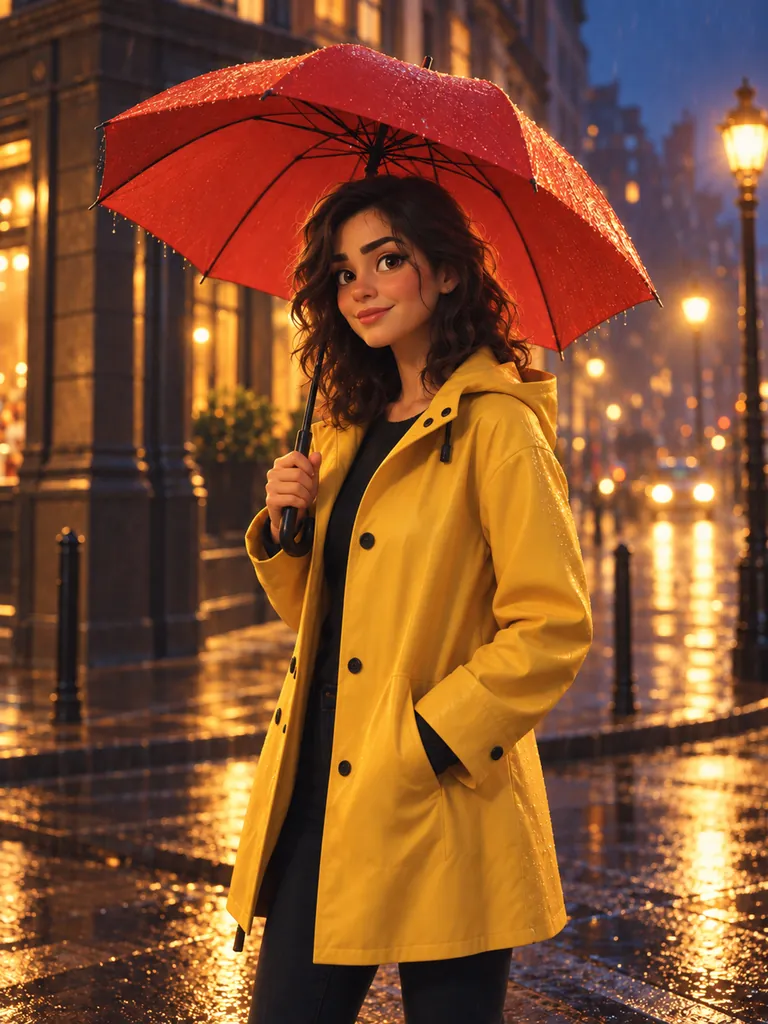
Look: 3D animation.
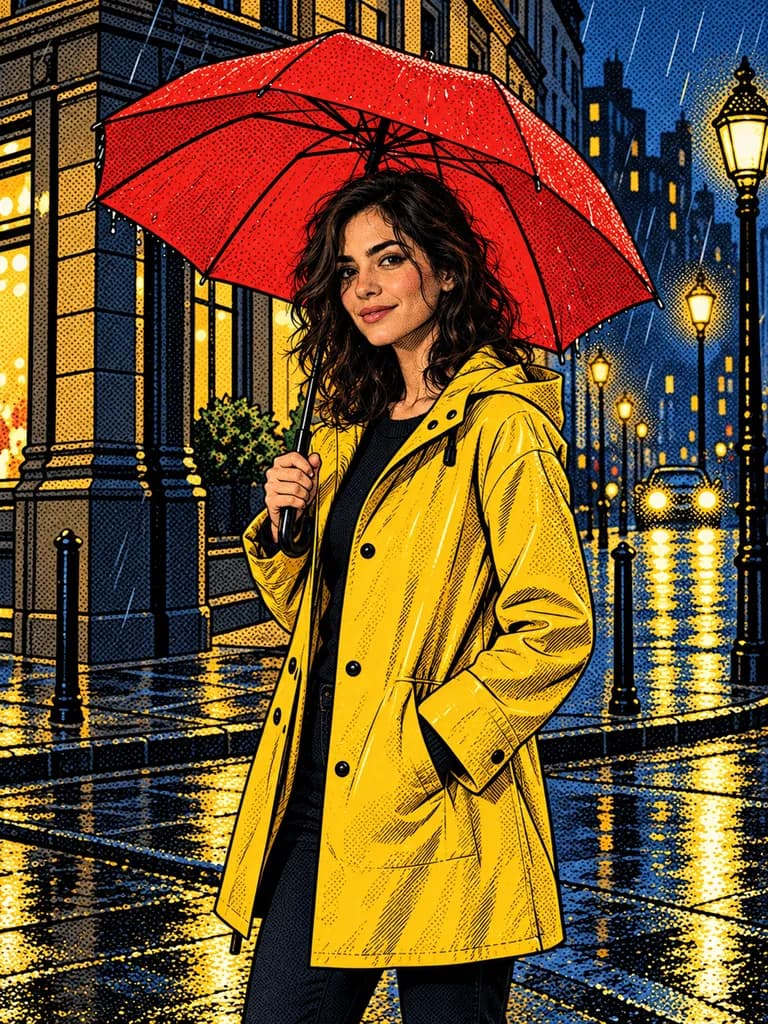
Look: comic-book ink.

Looks

Twelve styles to start from

What it does
Twelve visual styles, from live-action cinematic and noir black & white to hand-drawn anime, claymation and watercolor storybook. Pick one in a project's Settings and it becomes the visual style every shot starts from.
Why it matters
A consistent look is what makes a film feel finished, and you don't need to know the words for it.
Where to find it
Learn, Looks; or a project's Settings, Start from a look.
Glowing gold marks on a dark stage floor leading toward a lit cinema camera.

Learn hub

Your first film in ten minutes

What it does
Short, plain guides for a first-time filmmaker: your first film in eight steps, how to write lines the voices say right, and a quick tour of the studio you can replay any time.
Why it matters
You never need to have made a film, or used an AI tool, to finish one here.
Where to find it
Learn, in the studio's side menu.
Split image: a softly lit beginner's stage with a guided path beside a professional control desk.

Guided and Pro

Guided or pro, your choice

What it does
Guided mode explains each page and numbers each flow. Pro mode drops the explaining, packs pages denser and shows keyboard shortcuts; press Ctrl + / anywhere to see them (or ?, when single-key shortcuts are on). Switch any time.
Why it matters
Beginners get every step explained. Once you know your way around, switch the explaining off.
Where to find it
The Guided / Pro switch at the top of the studio, or in Help.

3 tools

Work together

Bring people in, hear when things land, keep the account safe.

Three filmmakers gathered around a glowing monitor in a dim edit suite.

Team invites

Bring your crew

What it does
Invite people to any project you own with a link, as a director, producer, writer, reviewer or viewer. Each person signs in with their own account and pays for their own takes.
Why it matters
Films are made by teams. Your writer can fix the script while a reviewer watches the new takes.
Where to find it
Account, Team.
A phone lighting up with a golden glow on a dark desk beside a laptop.

Notifications

Walk away while it renders

What it does
The bell tells you when a take is ready or failed, when your film is ready, and when someone joins your project. Choose, per event, whether you hear in the studio, as a browser pop-up, or by email.
Why it matters
Takes take minutes. You can keep working, or leave, and still know the moment one lands.
Where to find it
The bell at the top of the studio; Account, Notifications.
A vault door half open onto shelves of gold-rimmed film cans.

Two-step sign-in

Keep your account safe

What it does
Turn on two-step sign-in with any authenticator app, keep a set of backup codes, and see recent sign-ins to your account.
Why it matters
Your scripts and footage are yours. A stolen password alone won't open them.
Where to find it
Account, Security.
Not here

The studio does not make music with AI, on purpose: a film needs music it has clear rights to. Bring a song you own or have licensed and add it when you finish the film in your own editor; our music guide lists where to find it. Everything else on this page is in the studio today.

Your first film

Have a script? Roll camera.

You see the price of every take before anything is spent.

New accounts are invite-only for now.Sign in